


Description
Download SpeedVPN Free VPN Proxy APK – free vpn, mobile vpn, secure proxy, privacy protection, android vpn
Overview
SpeedVPN Free VPN Proxy APK is a mobile security and privacy application developed by GoSpeed Software for Android devices. Designed for users seeking a quick and accessible way to bypass geo-restrictions, the app offers a straightforward one-click activation process to establish a VPN connection. The primary purpose of SpeedVPN is to provide users with immediate access to restricted content by routing their internet traffic through remote servers. It targets casual users who prioritize simplicity over advanced configuration options. The software is positioned as a free solution, making it accessible to users who may not want to commit to paid services. Real-world usage scenarios include accessing region-locked streaming platforms, bypassing content filters, or securing public Wi-Fi connections. While the app claims to enhance online privacy, transparency around data handling remains limited. The developer did not provide detailed information about logging policies, data retention, or third-party sharing practices. Users are advised to exercise caution when relying on the app for sensitive activities. The absence of a settings menu restricts customization, and the limited server selection may affect performance and availability. Despite its ease of use, the app’s overall utility is constrained by its technical limitations and privacy concerns.
Key Features & Capabilities
- One-Click Activation – Users can enable the VPN service with a single tap, eliminating the need for complex setup procedures. This feature is ideal for individuals unfamiliar with VPN technology.
- Automatic Server Selection – The app automatically chooses the best server based on the user’s location, aiming to provide optimal connection speed and reliability upon activation.
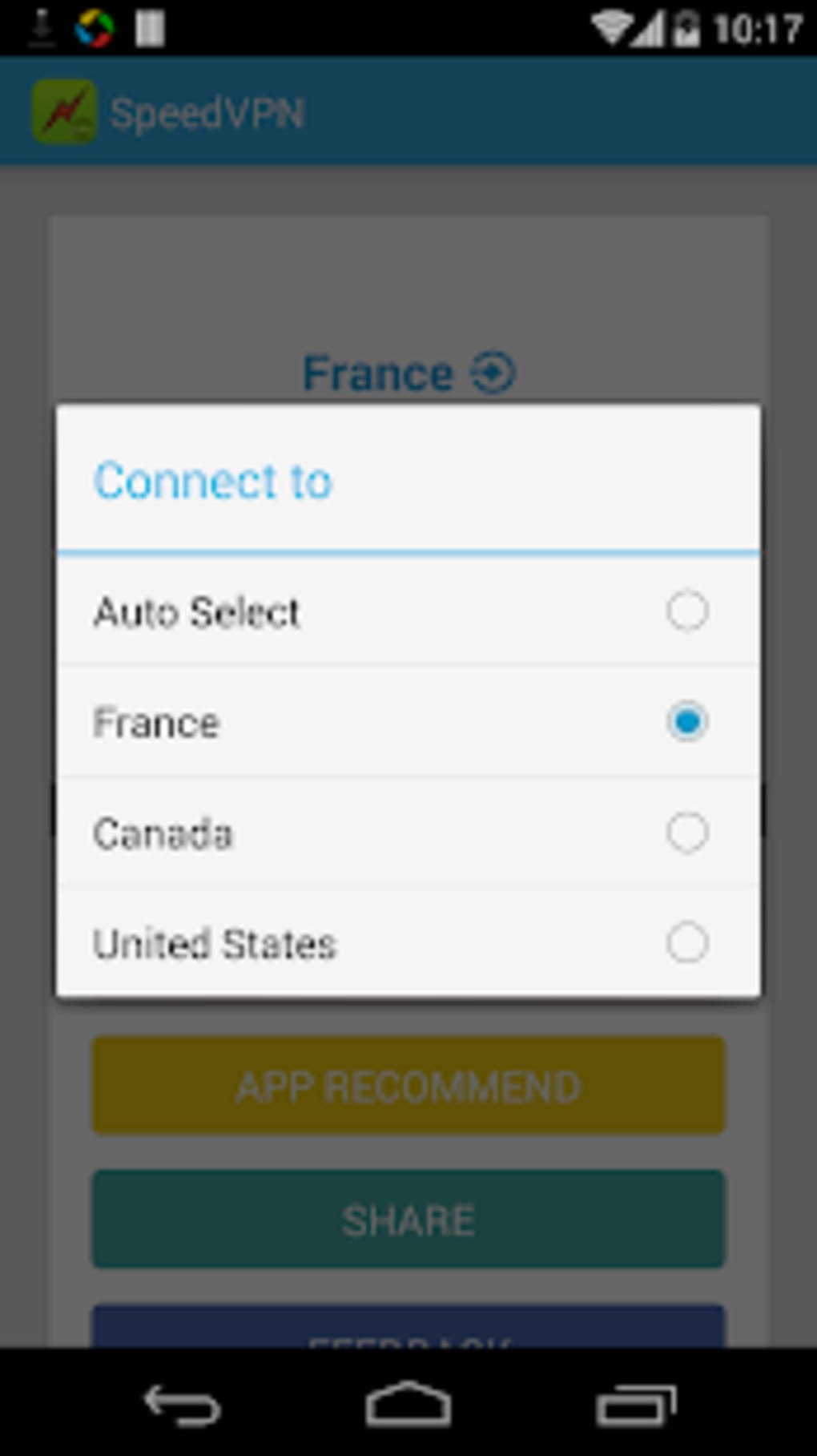
- Limited Server Locations – Available server options include France, Canada, the USA, Germany, England, and Singapore. This restricted selection may impact performance and access to region-specific content.
- Free Access Model – The application is available at no cost, allowing unlimited usage attempts without subscription fees.
- Session Time Limit – Each session is capped at 240 minutes, after which the connection must be re-established. This limitation affects continuous use for extended browsing or streaming.
These features are designed to simplify the user experience, particularly for those seeking a temporary solution to access blocked content. However, the lack of manual server selection beyond the six listed locations and the absence of advanced settings reduce flexibility. The automatic server selection may not always result in the most stable or fastest connection, especially under high network load. Users requiring consistent performance or advanced privacy controls will find the app insufficient. The session time limit also restricts its suitability for long-term or heavy-duty use. While the app delivers on basic functionality, its capabilities are constrained by design and technical limitations.
User Interface, Workflow & Performance
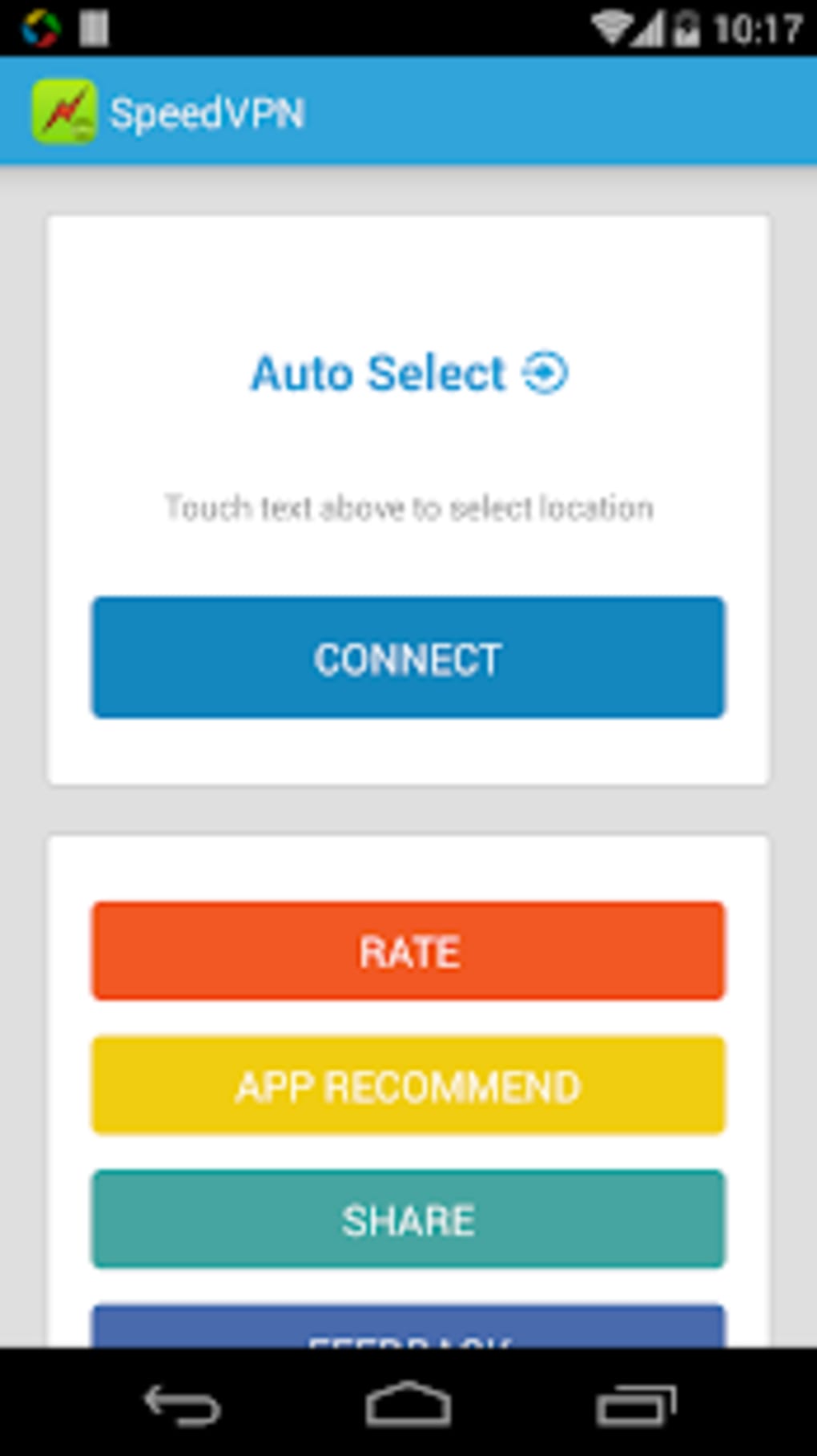
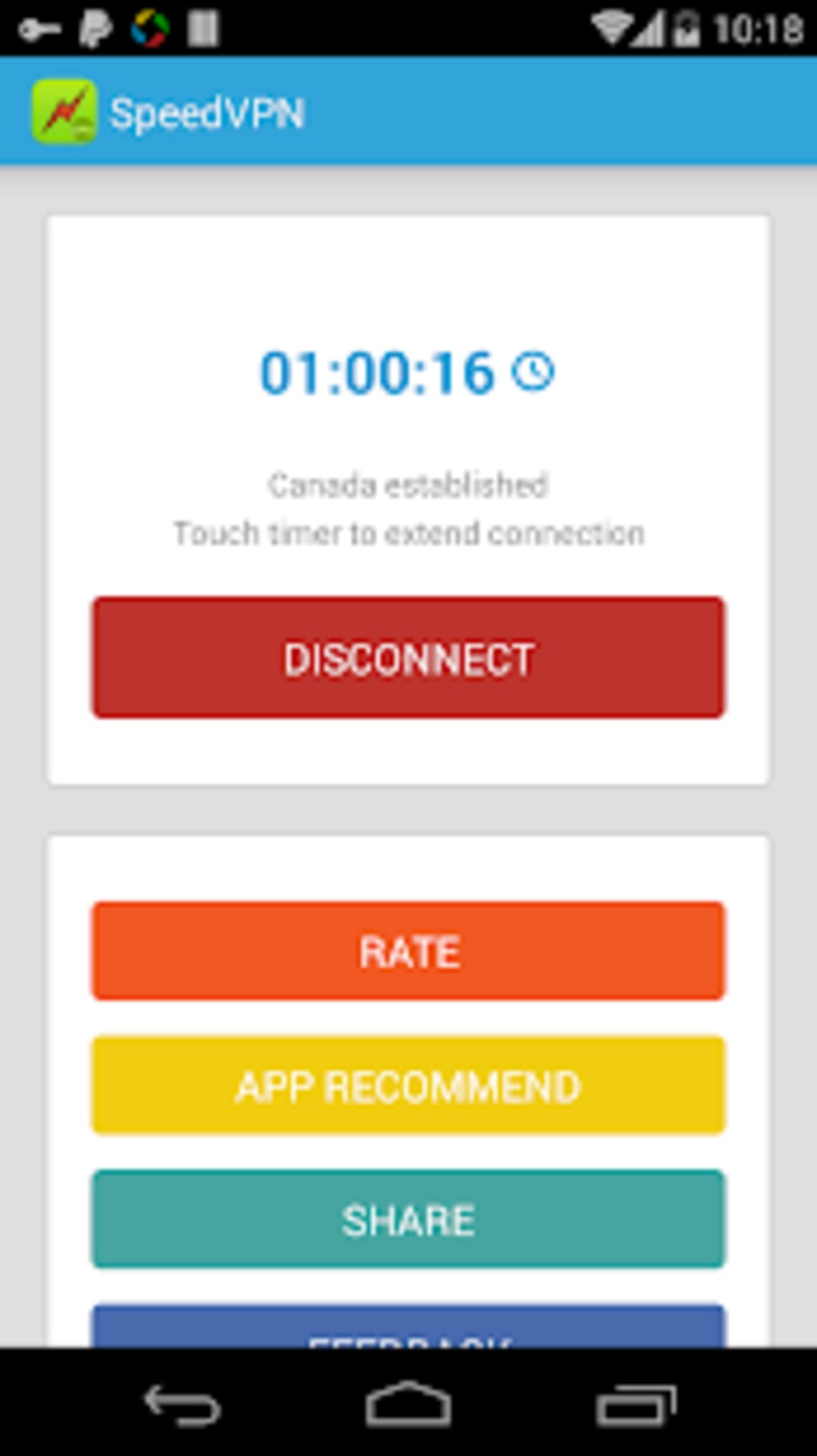
The user interface of SpeedVPN Free VPN Proxy APK is minimalistic and focused on simplicity. The main screen features a single prominent button for connecting to the VPN, reflecting the app’s one-click philosophy. Navigation is limited to this central action, with no additional menus or configuration options available. This streamlined approach reduces the learning curve for novice users but limits control over connection parameters. The workflow is efficient for quick access: tap, connect, browse. However, the app does not provide real-time performance indicators such as connection speed, latency, or server load. The developer did not specify resource usage details, so CPU and RAM behavior remain unknown. Performance observations are based on general software behavior patterns. Users have reported frequent disconnections and inconsistent speeds, with connections often dropping unexpectedly. These issues suggest potential instability in the underlying network infrastructure. While the app functions as intended during active sessions, the reliability of the connection is compromised. The lack of feedback mechanisms or troubleshooting tools makes it difficult to diagnose or resolve issues. Overall, the app’s performance is adequate for brief, low-demand tasks but not suitable for users requiring a stable, high-speed connection.
Compatibility & System Requirements
SpeedVPN Free VPN Proxy APK is designed for Android devices. The software version is 1.0.3, and the installation size is 20.1 MB, indicating a lightweight footprint. Compatibility information was partially provided, with the app explicitly targeting Android operating systems. The developer did not specify minimum Android versions or hardware requirements. As such, exact system requirements were not listed. Users should ensure their device meets general Android compatibility standards for third-party applications. The app does not support other platforms such as iOS, Windows, or macOS. The lack of cross-platform availability limits its use to Android users. Installation is straightforward, with the APK file being directly executable on compatible devices. Users are advised to enable installation from unknown sources in device settings to proceed. No additional dependencies or system configurations are required.
Pros and Cons
Pros
- Simple one-click activation for quick access
- Free to use with no subscription fees
- Automatic server selection based on location
- Lightweight installation at 20.1 MB
- Available for Android devices without platform restrictions
Cons
- Session limited to 240 minutes per connection
- Frequent disconnections reported by users
- Low connection speeds and inconsistent performance
- Limited server locations (only six countries available)
- Lack of transparency regarding data handling and privacy policies
FAQ Section
Is SpeedVPN Free VPN Proxy APK safe to use?
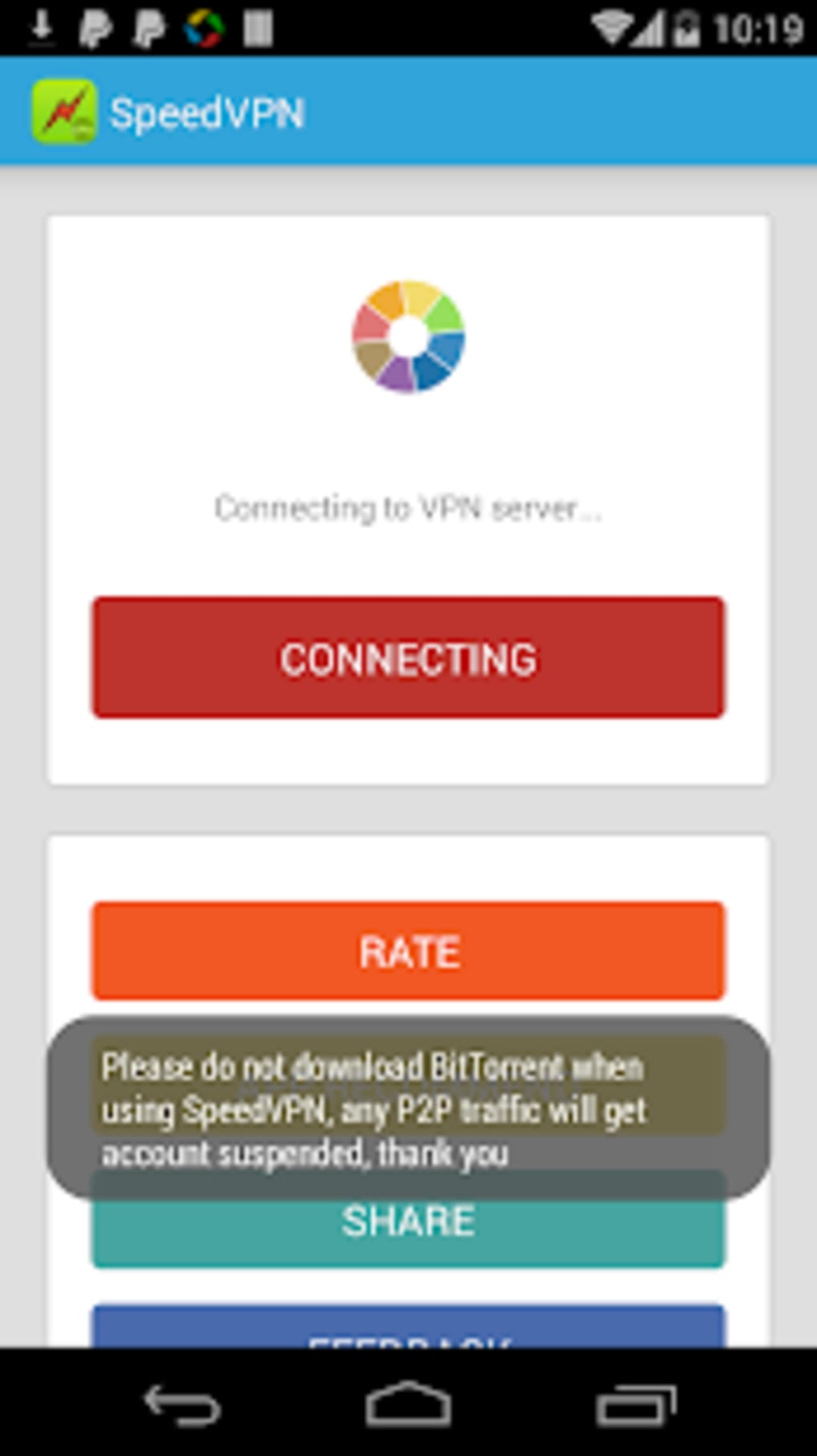
The app does not provide clear information about its data handling practices. It explicitly warns against using the service for torrenting or peer-to-peer file sharing, which may indicate data monitoring. Users should avoid entering sensitive information while using the app.
Can I use SpeedVPN on multiple devices?
The software is designed for Android devices only. No official support for other platforms was provided. The developer did not specify whether a single account or license can be used across multiple devices.
Does SpeedVPN require an internet connection to function?
Yes, the app requires an active internet connection to establish and maintain a VPN tunnel. It cannot function offline.
How often does SpeedVPN update?
The release date of the current version is 2024-03-12. No information was provided about the frequency of future updates or patching.
Is SpeedVPN free forever?
The app is currently free to download and use. However, the developer did not disclose future pricing plans or potential monetization changes.
Final Thoughts
SpeedVPN Free VPN Proxy APK offers a no-frills approach to mobile privacy and geo-bypassing, ideal for users seeking a quick, free solution. Its one-click functionality and automatic server selection make it accessible to beginners. However, significant drawbacks—including session time limits, frequent disconnections, poor speeds, and limited server availability—undermine its reliability. The lack of transparency around data privacy further diminishes trust. While it may serve as a temporary workaround for minor restrictions, it is not recommended for users prioritizing security, stability, or performance. For those seeking a more robust and trustworthy alternative, established providers with clear privacy policies and broader infrastructure are strongly advised. Download SpeedVPN now if you need a basic, no-cost mobile proxy, but do so with full awareness of its limitations.
Guides & Tutorials for SpeedVPN Free VPN Proxy APK
How to install SpeedVPN Free VPN Proxy APK
- Click the Preview / Download button above.
- Once redirected, accept the terms and click Install.
- Wait for the SpeedVPN Free VPN Proxy APK download to finish on your device.
How to use SpeedVPN Free VPN Proxy APK
This software is primarily used for its core features described above. Open the app after installation to explore its capabilities.
User Reviews for SpeedVPN Free VPN Proxy APK 0
No reviews found





